How to Use Geofencing to Enhance Fleet Security and Compliance

For modern fleet operators, balancing operational efficiency, robust security, and rigorous compliance has never been more complex—or more critical. Geofencing, a technology enabled by GPS asset tracking, is rapidly redefining how fleets protect valuable assets, ensure regulatory compliance, and achieve peace of mind on the road. At TrackCam, we see first-hand how smart geofencing strategies can transform day-to-day fleet management. Let’s dig deep into how you can leverage geofencing to enhance security and compliance, exploring both the practical details and the nuances fleet managers often overlook.
What is Geofencing in Fleet Management?
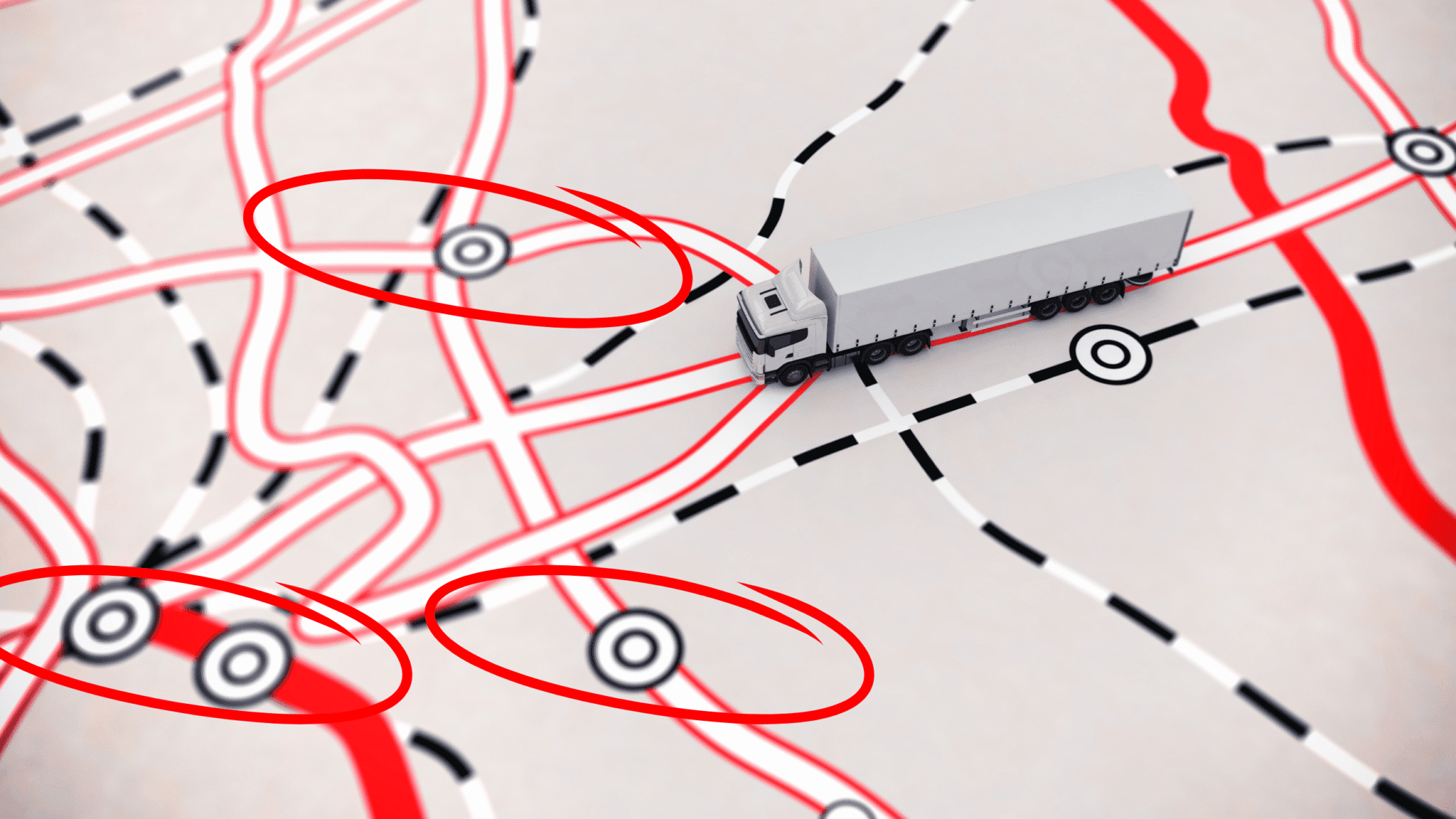
Geofencing uses virtual boundaries, created with GPS or RFID technology, to define specific geographical zones relevant to your fleet—think customer depots, maintenance yards, restricted areas, or city boundaries. When a vehicle or asset enters or leaves these predefined zones, the system triggers real-time alerts and automates reports, making location-based oversight seamless and actionable.
Why Geofencing Is Critical for Fleet Security
Asset loss and theft remain persistent threats for businesses that depend on vehicles and expensive equipment. Geofencing arms you with tools to get proactive about security rather than relying on reactive damage control.
- Instant Tampering & Theft Alerts: Set up geofences around garages, job sites, or overnight lots. If a vehicle leaves unexpectedly outside work hours, you (and your team) are immediately notified—giving you a critical window for intervention.
- Asset Misuse Prevention: Geofences aren’t just about theft—they protect against unauthorized personal use or after-hours driving, which can increase liability and fuel costs.
- Automated Escalation: Tie alerts to emergency protocols: notify security, shut down vehicle ignitions (if available), or forward alerts directly to local law enforcement, all customized to your fleet’s risk profile.
Driving Compliance with Location-Based Triggers
Compliance isn’t just a checkbox—it’s your shield against fines, legal action, and lost contracts. Geofencing provides digital proof that vehicles operate where and when they’re supposed to, supporting compliance efforts across different industries.
- Hours-of-Service Enforcement: Automatically monitor entry or exit times at worksites or depots to ensure drivers adhere to “on-duty” regulations and break schedules.
- Route Adherence & Service Confirmation: For delivery, school bus, or waste collection fleets, geofencing confirms every necessary stop—reducing customer complaints and supporting transparent billing.
- Regulated Area Restrictions: Set virtual boundaries around restricted zones (such as hazardous material routes or noise-sensitive neighborhoods) to ensure regulatory compliance is followed, with automatic incident documentation if a breach occurs.
- Safety Compliance for Sensitive Cargo: If transporting dangerous goods, create geofences along only authorized routes—triggering compliance checks and documentation in real time.
Step-by-Step: Implementing Geofencing for Maximum Impact
From experience, we know it’s easy to set up a basic geofence, but there’s a huge difference between checking the box and maximizing your ROI. Here’s how we recommend approaching geofencing, with some TrackCam-flavored tips:
- Map High-Risk and Compliance Zones
- Start with your critical locations: depots, regular stops, customer delivery areas, restricted city zones, and high-crime areas.
- Consult maintenance, dispatch, and compliance managers—they often provide intel on overlooked risk spots.
- Define Your Boundaries Thoughtfully
- Too-big geofences mean false alarms; too small and you risk missing real threats. Aim for practical coverage—consider vehicle speed, lot size, and real-world traffic patterns.
- Leverage radius or polygon tools in your fleet portal for precision.
- Customize Alerts and Escalations
- Set primary contacts for critical hours (such as 8 p.m. to 6 a.m.). Allow escalation tiers: manager, security, local police if warranted.
- Decide which breaches warrant instant notification vs. daily or weekly summaries.
- Automate the Paper Trail
- Connect your geofence alerts to digital logs, payroll timesheets, electronic driver vehicle inspection reports (DVIRs), or customer billing tools. Compliance is much easier with an automatic audit trail.
- Provide your insurance provider or regulators with instant, tamper-proof records if needed.
- Train Your Team—Drivers & Dispatch
- Make sure everyone knows why geofencing is in place and how it protects both your business and their safety.
- Encourage feedback; frontline input can reveal issues or improvement opportunities you might miss.
- Monitor, Review, Improve
- Don’t set it and forget it. Review geofence breach trends, false alarms, and compliance logs monthly. Refine routes, zones, and alerting as patterns emerge.
Top Geofencing Use Cases for Different Fleets
- Last-Mile Delivery: Confirm stop adherence, automate proof-of-service records, and prevent vehicles wandering into prohibited neighborhoods.
- School Transportation: Protect against students left onboard or off-schedule deviations. Integrate with real-time parent notifications for peace of mind.
- Public Safety & EMS: Geofence hospitals, dispatch zones, or restricted access roads. Streamline proof-of-response times and route selection compliance, all integrated with TrackCam’s advanced fleet management platform.
- Waste & Municipal: Automate reporting for contract compliance, making live collection data and route adherence transparent (ideal for public dashboards).
- Construction & Heavy Equipment: Trigger alerts for unauthorized equipment movement, and automate usage logs for rental or maintenance records.
TrackCam’s Approach: More than Just a Digital Perimeter
What we’ve seen time and again is that effective geofencing is about actionable intelligence, not just alert fatigue. With TrackCam’s GPS asset tracking options, you’ll always know exactly where your vehicles and equipment are, but more importantly, you’ll know when and why they leave (or fail to arrive at) critical zones. Pair this with our AI-powered dash cams and live video, and you get a true 360° view of fleet safety and compliance in action.
Common Pitfalls—And How to Avoid Them
- Over-alerting: Overly sensitive geofences create alarm fatigue. Tailor boundaries and schedules to real risks and operational realities.
- Underutilization: Many fleets set up basic geofences and stop there. Leverage audit trails, scheduling features, and integrations with compliance tools for full value.
- Poor Communication: Drivers who aren’t trained on the intent of geofencing can see it as punitive rather than protective. Build buy-in with transparency and positive incentives.
- Neglecting Data Privacy: Geofencing involves location data. Ensure you have clear privacy policies and gain consent where needed—this is especially key for mixed-use vehicles or unionized fleets.
Future Trends: Smarter Geofencing with AI and Integration
The evolution of fleet geofencing is accelerating. AI-enabled systems are starting to recognize not just geofence breaches, but patterns of risky behavior leading up to them—like pre-theft loitering or suspicious equipment movement. At TrackCam, we’re also seeing demand grow for integration with digital dispatch, maintenance, and incident management systems, creating a unified ecosystem for real-time visibility and quick response.
Conclusion: Geofencing as Fleet Security and Compliance Backbone
The real power of geofencing goes way beyond drawing digital lines on a map. Used thoughtfully, it becomes the silent guardian of your fleet—catching incidents before they spiral, proving your compliance, and giving every stakeholder confidence that their people and property are protected.
If you’re looking to deploy or optimize geofencing for your fleet, TrackCam’s GPS asset tracking and AI-powered dash cam systems offer an integrated, expertly supported path forward. Want a live demo of how geofencing can secure your assets and simplify your compliance? Book a consultation or explore our solutions here.